
Produce live
Build livestreams and recordings as a coordinated crew—camera operators, directors, mixers, OBS operators, and supervisors working as one team.
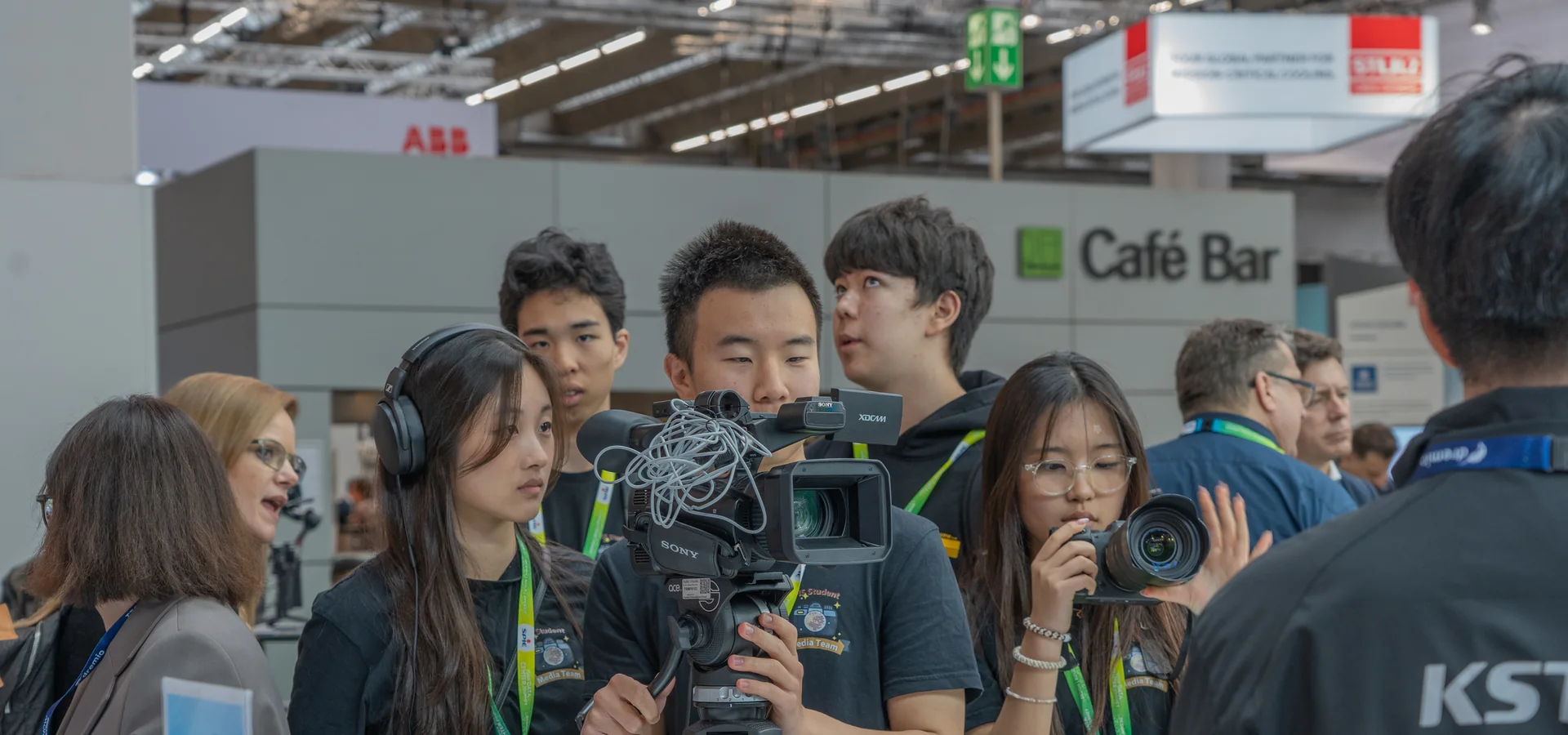
Life moves fast. Learn to capture the moments you will want to remember—from family adventures to the biggest moments at FIS—through photography, film, and live production.
Media Club brings students together behind the camera and inside the control room. We learn by doing: planning coverage, making creative decisions, and delivering work for real school events.
Build livestreams and recordings as a coordinated crew—camera operators, directors, mixers, OBS operators, and supervisors working as one team.
Learn how framing, light, timing, sound, and movement turn an ordinary photo or video into something worth keeping.
Direct, edit, mix sound, create graphics, and interview people. The finished story depends on thoughtful choices before, during, and after filming.
You can start with one role, watch how the whole crew works, and gradually take on more responsibility as your confidence grows.
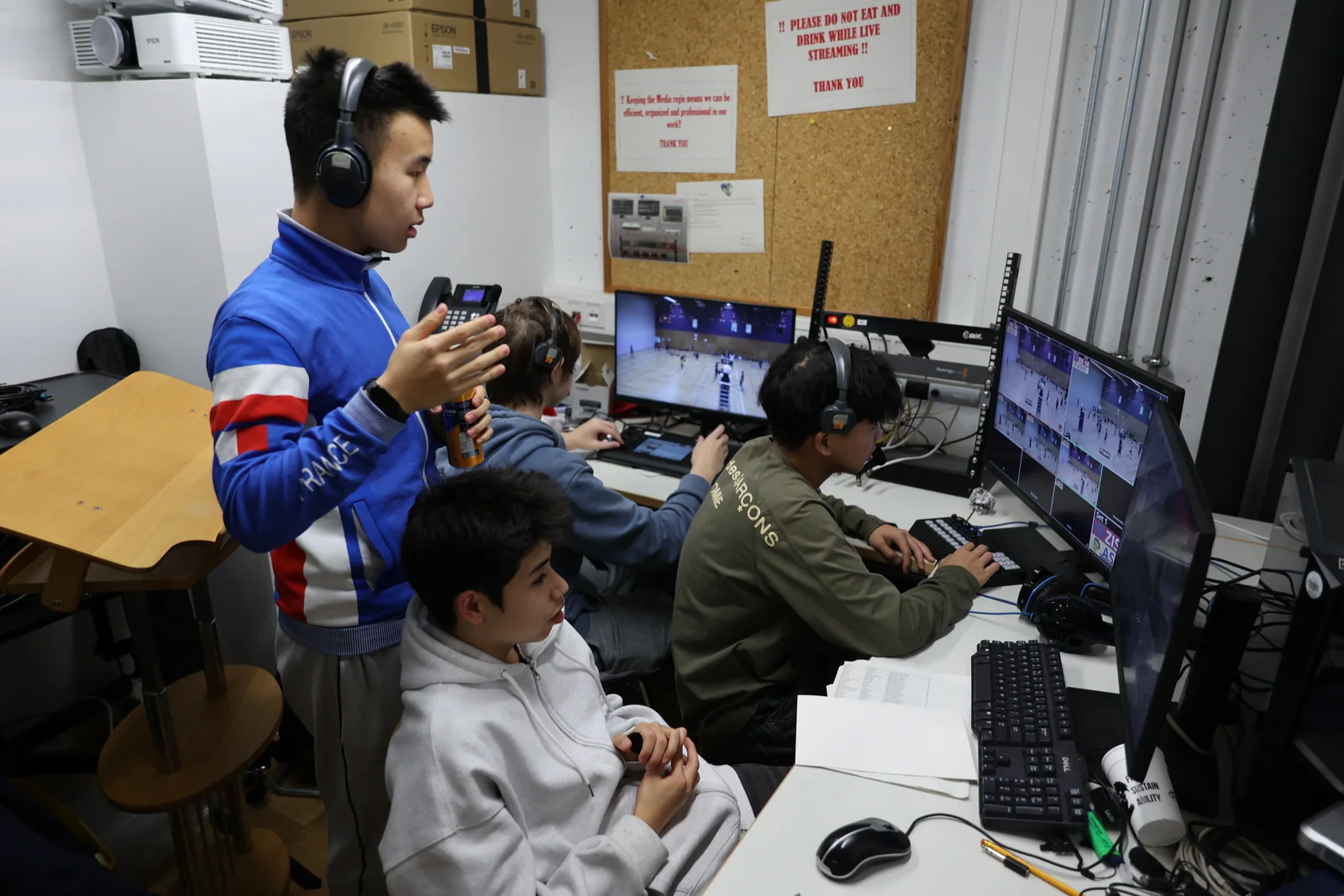
In the control room, students monitor camera feeds, choose shots, manage graphics and sound, and communicate with the crew. It is fast, collaborative, and one of the best ways to understand how live media works.
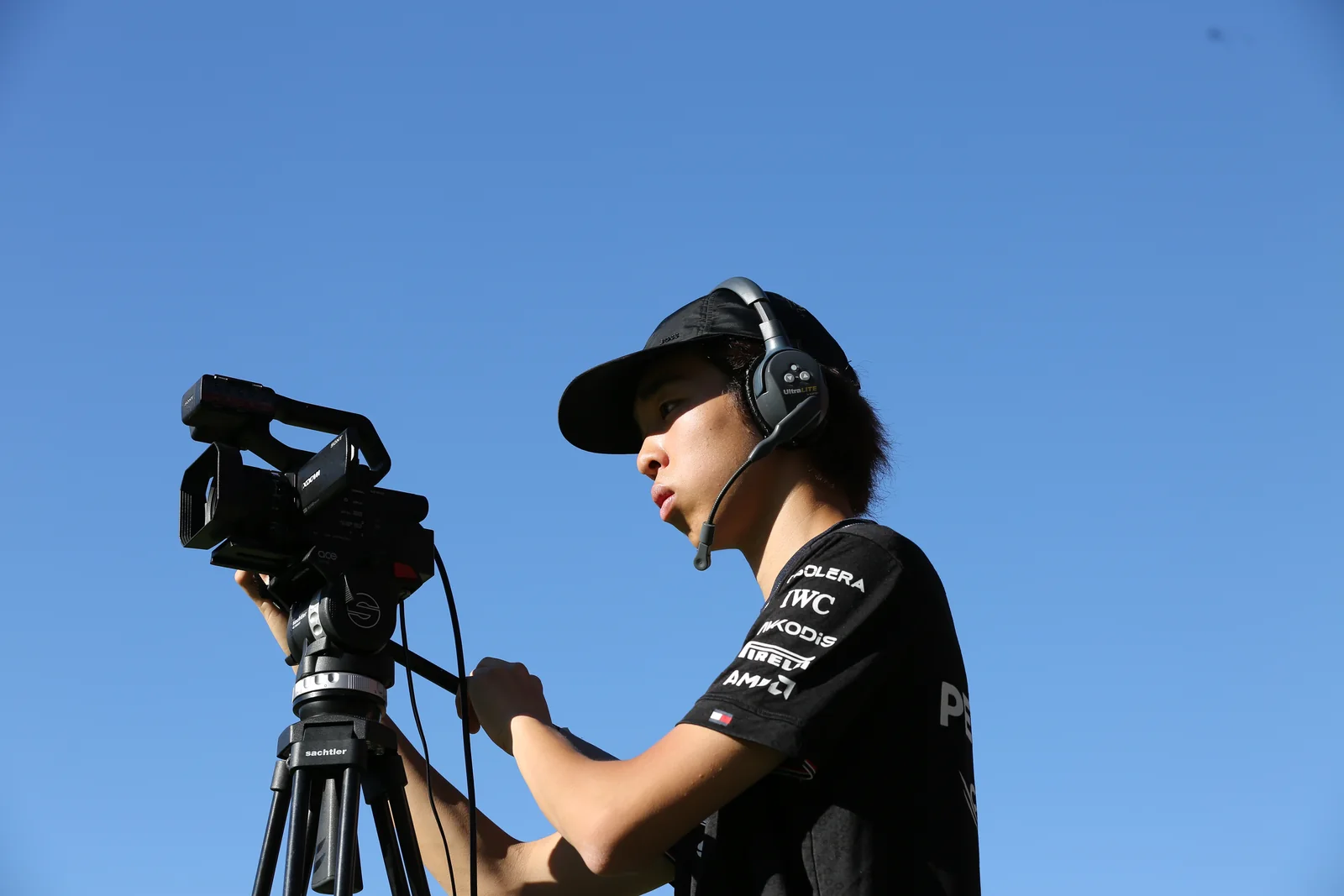
Camera work is more than pointing at the action. You will practise composition, focus, movement, anticipation, and communication—skills that also make your everyday photos and videos better.
You do not need your own camera or a finished portfolio. Begin with guided practice, learn the equipment safely, and try different jobs until you find the role that feels right.
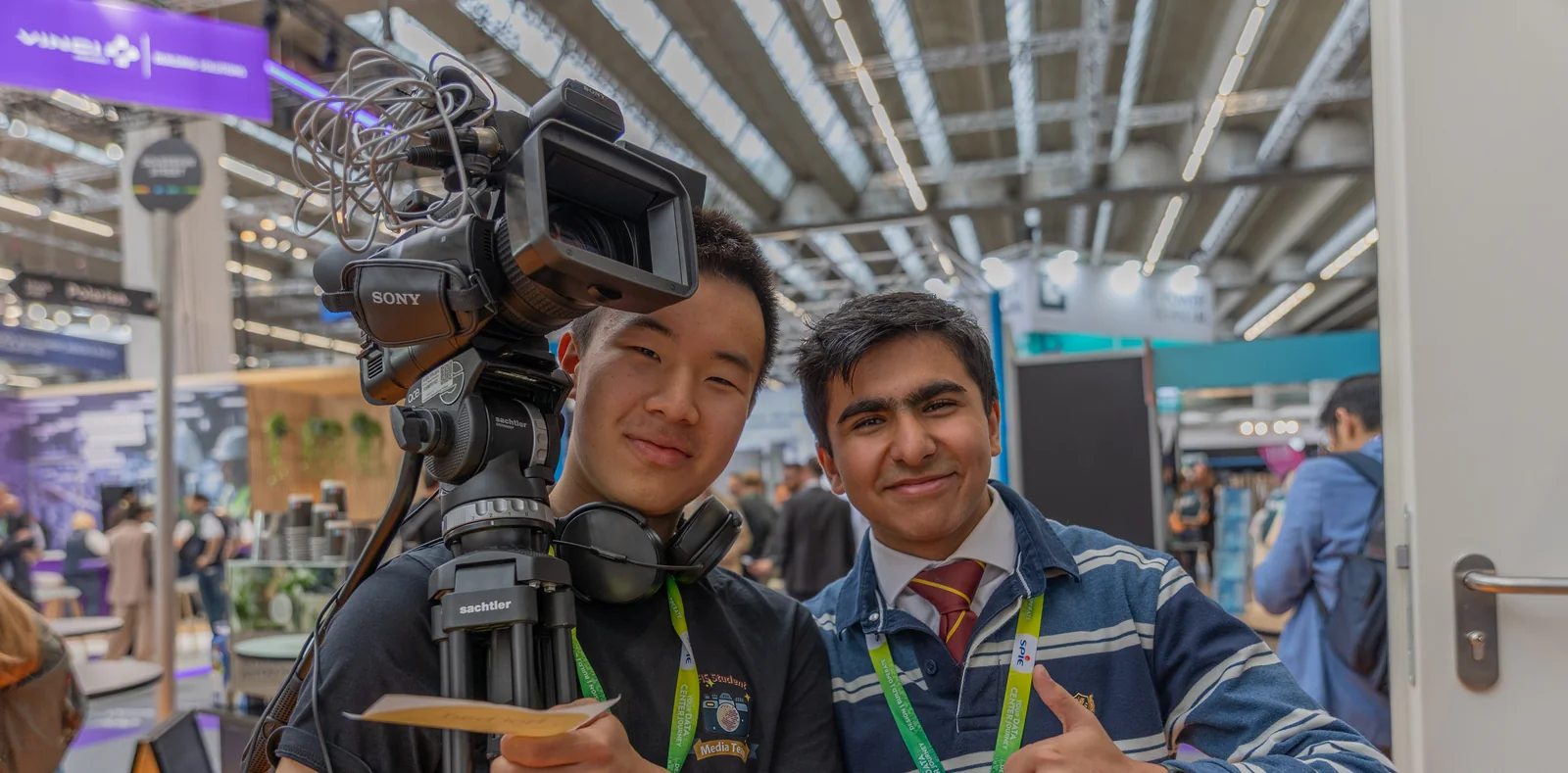
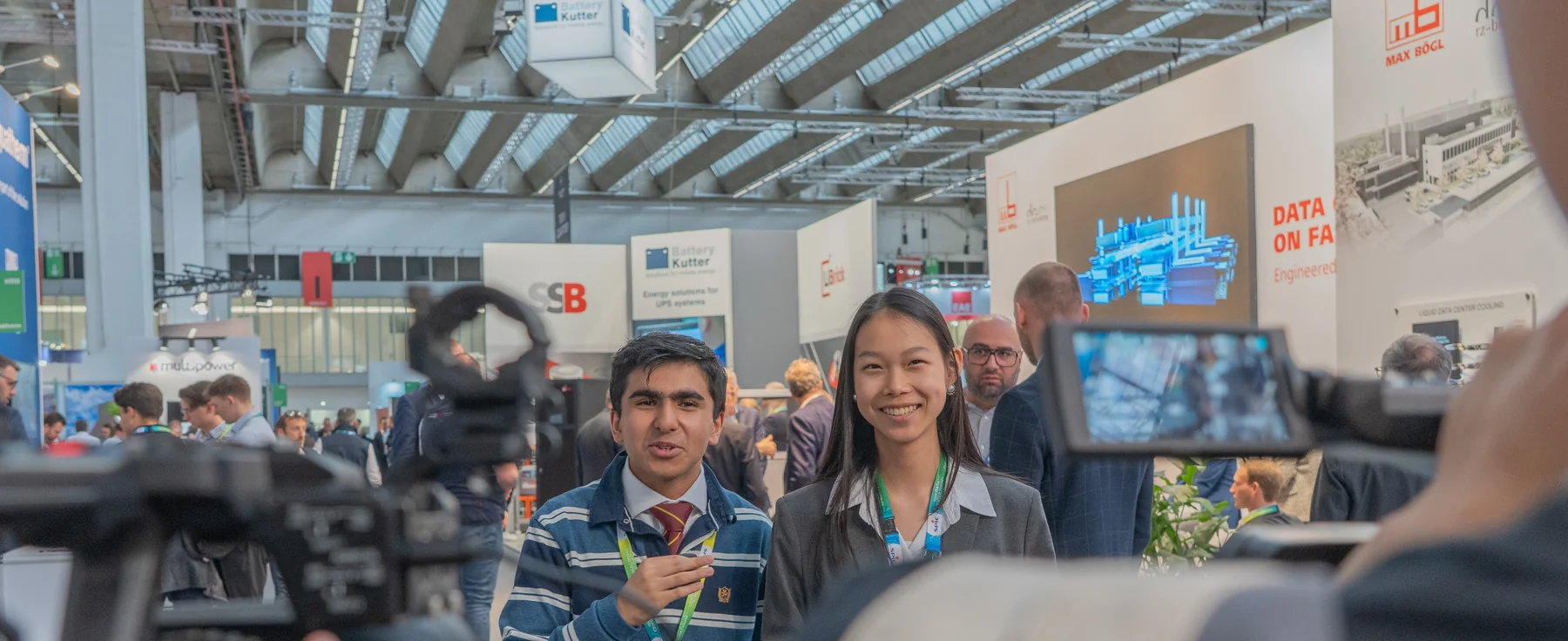
Dedicated members can earn opportunities to represent FIS at events and support important school productions. A small, trusted crew is selected to help livestream major moments such as the Graduation ceremony.
The latest projects below come directly from the Crew Center gallery, so this page grows with the club.
Media Club welcomes FIS students in Grades 6–12. Training is shared through guided sessions and real event experience.
Look through our work, equipment, and role guide to see what interests you.
Complete the short application using your GDPR-safe FIS alias email.
A faculty member reviews your application and helps you begin training with the club.
No. Beginners are welcome, and you can learn through guided practice before taking responsibility at an event.
Media Club is open to FIS students in Grades 6–12.
It depends on the role and event. You can begin with training and choose opportunities that fit your schedule; major productions require more preparation and commitment.
Yes. Exploring camera, control-room, editing, audio, and presenting roles is encouraged before you decide where to specialise.
Apply through the Crew Center and take your first step into photography, filmmaking, and live production.
Every great production is a team effort. Explore the responsibilities, expectations, and equipment behind each role before choosing your place on the crew.
A reliable stream depends on preparation, clear communication, safe equipment handling, and respect for everyone taking part in the event.
Arrive, check in, and prepare every system.
Stay aware, communicate clearly, and protect the coverage.
Close down correctly and leave the space ready.
This role is for the adults present to support the production. They know what they are doing, so do not change or claim this role.
Student leaders or experienced members who can run the stream with less adult help. An adult's explicit permission is required. Student Supervisors cannot also cover Photography because they must remain in the stream area.
The mixer chooses which camera feed goes live and calls “camera — prep/live” over the headsets. They relay a shot caller's direction, or make the calls themselves when there is no shot caller.
OBS controls the production computer. For sports streams this includes instant replays and the scoreboard overlay. The operator also monitors the stream or recording uplink and sound.
Operates a remotely controlled camera using a monitor, joystick, and zoom rocker. Robocam carries the same responsibility as a handheld operator: follow the mixer's direction and film the action.
The backbone of many streams. Handheld operators film the action from outside positions, take direction through a headset, and send their pictures to the Regie. The usual cameras are Sony PXW-X70s.
Shares the handheld operator's responsibilities but can move freely while sending video wirelessly to the Regie. Usually uses a Panasonic Lumix GH6 on a gimbal and is reserved for experienced members.
Photographers independently decide which parts of the action to capture. This role uses loan cameras, so all equipment must be returned. Typical cameras include the Canon 70/450/600/700D, with R6 and GH6 bodies reserved for experienced users or special occasions with adult approval.
Choose an image, drag to reposition it, and adjust the crop.
Your theme is remembered on this browser.
Choose and order the information shown on your dashboard. These preferences follow your account across devices.
Choose the pages you use most. Your selection follows your account across devices.
Choose which in-app updates you want to receive.